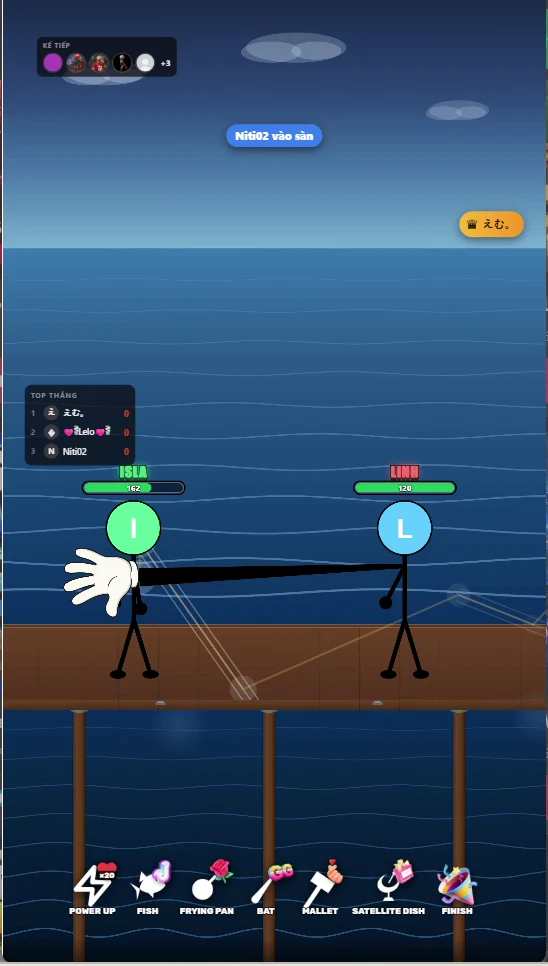
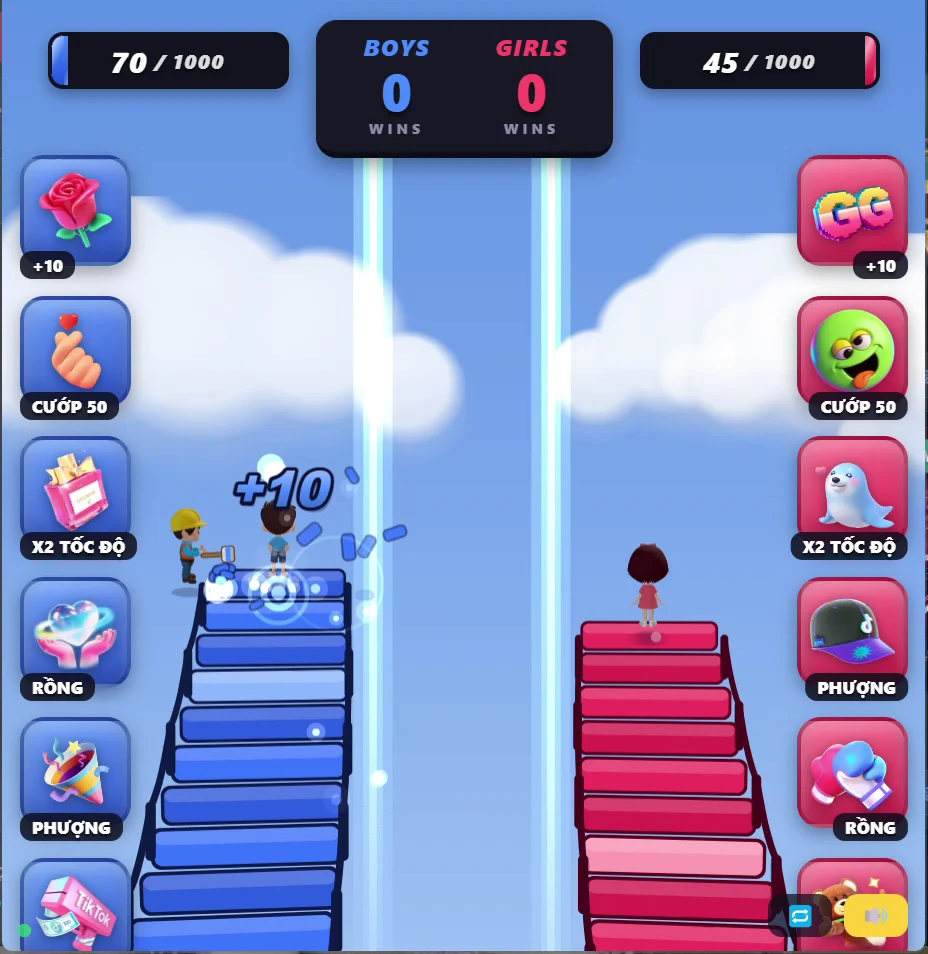
What are interactive LIVE games?
Windows desktop games that turn supported livestream comments, gifts and other listed LIVE events into in-game actions. Supported interactions depend on the selected game; check its product page and your LIVE setup before purchase.
How do I buy and pay?
Choose a game and contact KATTTIK on WhatsApp or Telegram. We confirm the license and listed USD price, then send an order-specific Creem payment link. After verifying successful payment in Creem, we send the game file and activation key manually through the agreed chat channel. No website account is required.
How do I receive the software?
Windows game files, activation key, installation instructions, activation and TikTok LIVE setup guide, and support contact. Delivered manually via the agreed WhatsApp or Telegram conversation. Digital delivery is typically completed within 15 minutes after payment verification. In exceptional circumstances, delivery may take up to 24 hours.
How do activation keys and TikTok ID work?
Open your game, enter the activation key, then enter your TikTok channel ID.
Can I change devices?
Contact WhatsApp or Telegram for a device change or key reset. Requests are reviewed individually; proof of ownership and activation status may be required. Approval, free transfers and unlimited resets are not guaranteed.
What if I lose my key or the game fails?
Include your Creem Order ID, game name, software version and error description. Send sensitive information only in the agreed private support channel. Support requests accepted 24/7. Responses within 2 business days. This is not instant live support.
License plans
Perpetual license · one-time payment · one Windows PC. Use begins when your key is activated. No automatic renewal.